Bryntum Scheduler A Professional Scheduling Component
Bryntum Scheduler is a JavaScript UI component that helps you plan with precision by accounting for resource availability, dependencies, and constraints.
Trusted by the world’s leading companies
Easy integration with your stack
Connect Your Tasks
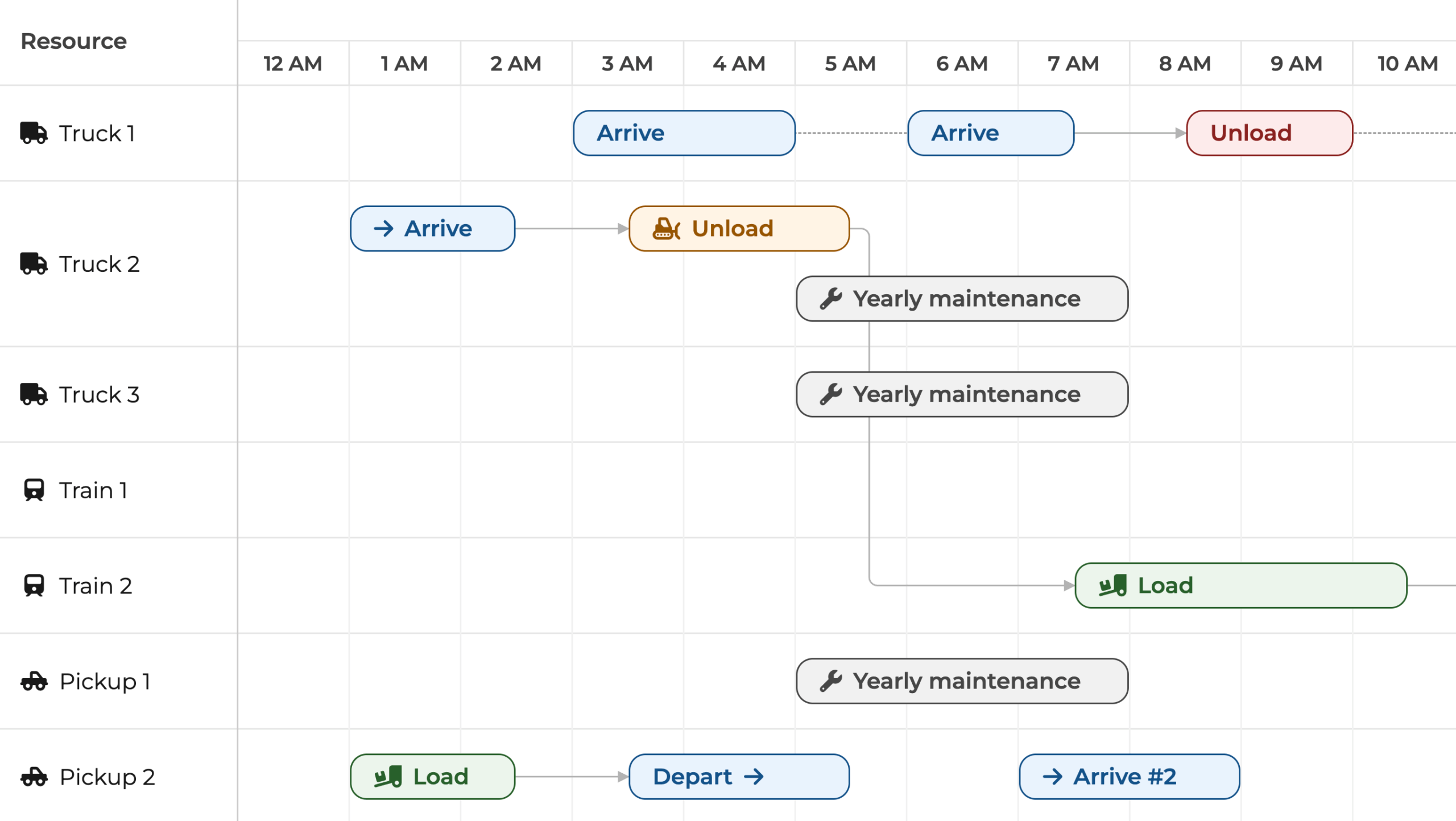
Once your tasks and dependencies are in place, the professional scheduling engine takes care of the rest by:
- Organizing tasks based on how they relate to each other and the rules you’ve defined.
- Automatically updating dependent tasks when you move a leading task.
Feature-Rich
Based on our Grid component, Bryntum Scheduler inherits many of its capabilities, making for an interactive Scheduler that supports:
- Drag-and-drop event resizing
- A convenient event editor and keyboard navigation
- PDF, PNG, Excel, ICS and print formats for exporting data
- Responsive rendering
- Drag-and-drop event assignment
Avoid Over-Allocating Your Resources
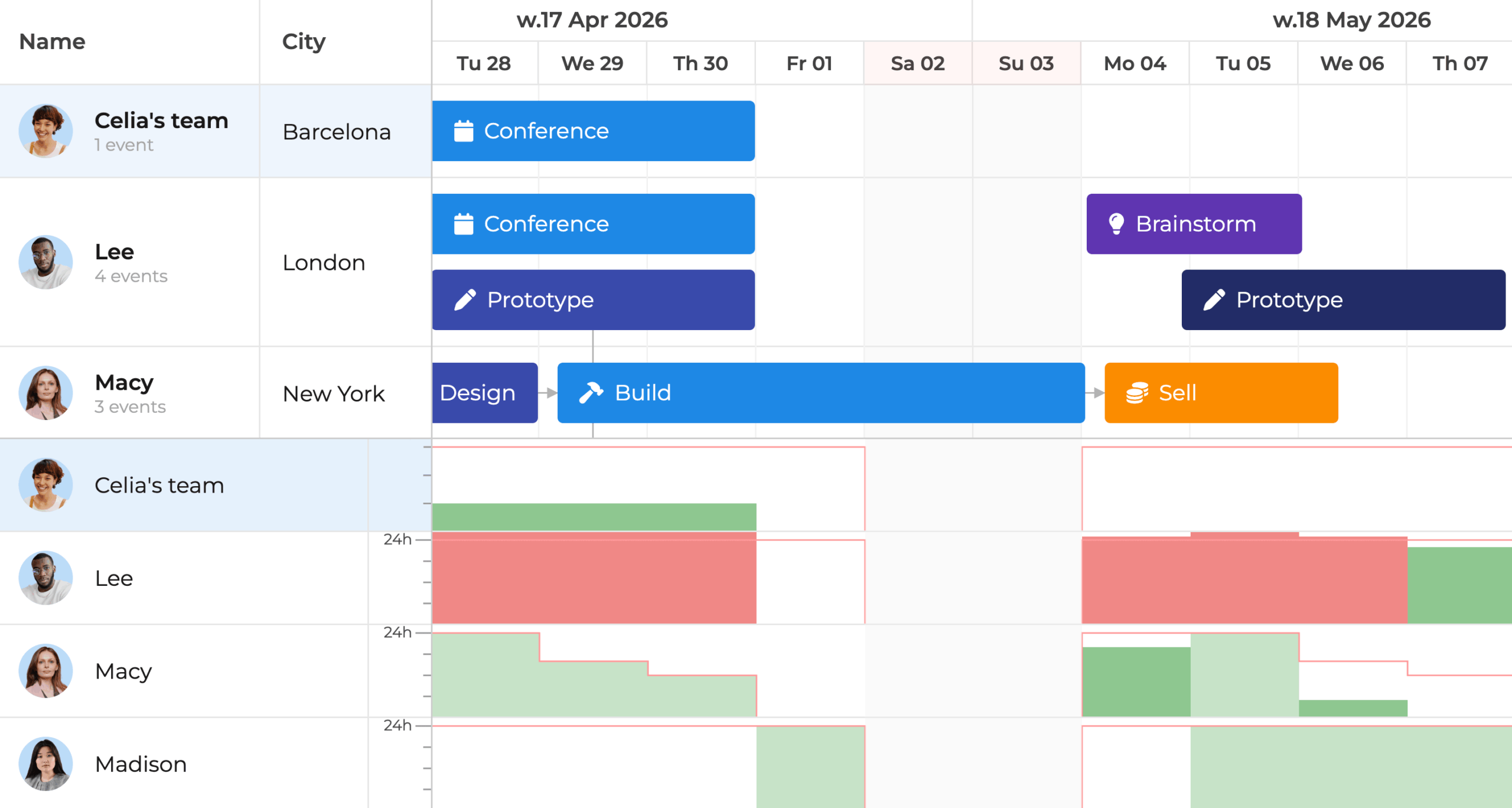
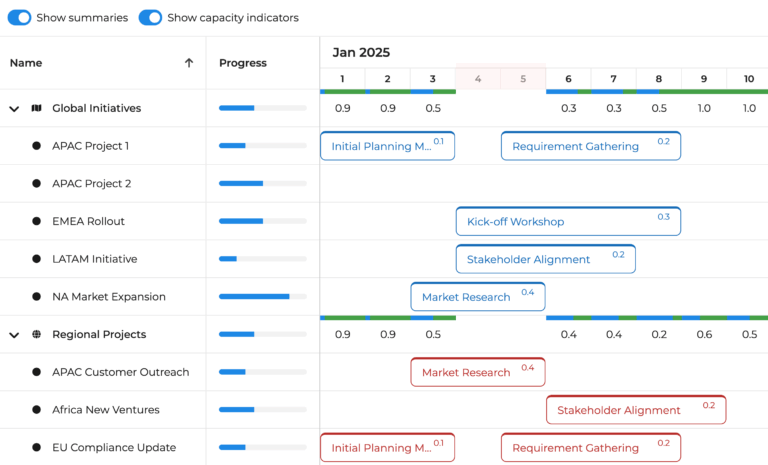
Manage your team’s workload with a built-in histogram and make faster and fairer decisions.
- Bright red highlights let yout instantly spot over-capcity workloads without digging through tables or reports.
- Adjust task assignments for balanced planning.
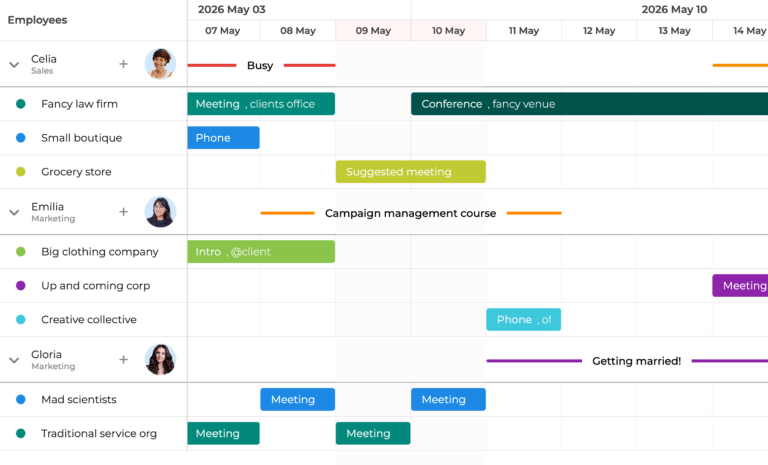
Use Skill-Based Task Assignments
Let Scheduler handle the logic behind the scenes for efficient planning:
- Easily assign the right tasks to the right people.
- Match tasks with team members based on skills and availability.
- Automatically schedule tasks or drag and drop them into suggested time slots.
Enjoy Intelligent, Adaptive Planning
Schedule with confidence for the real world:
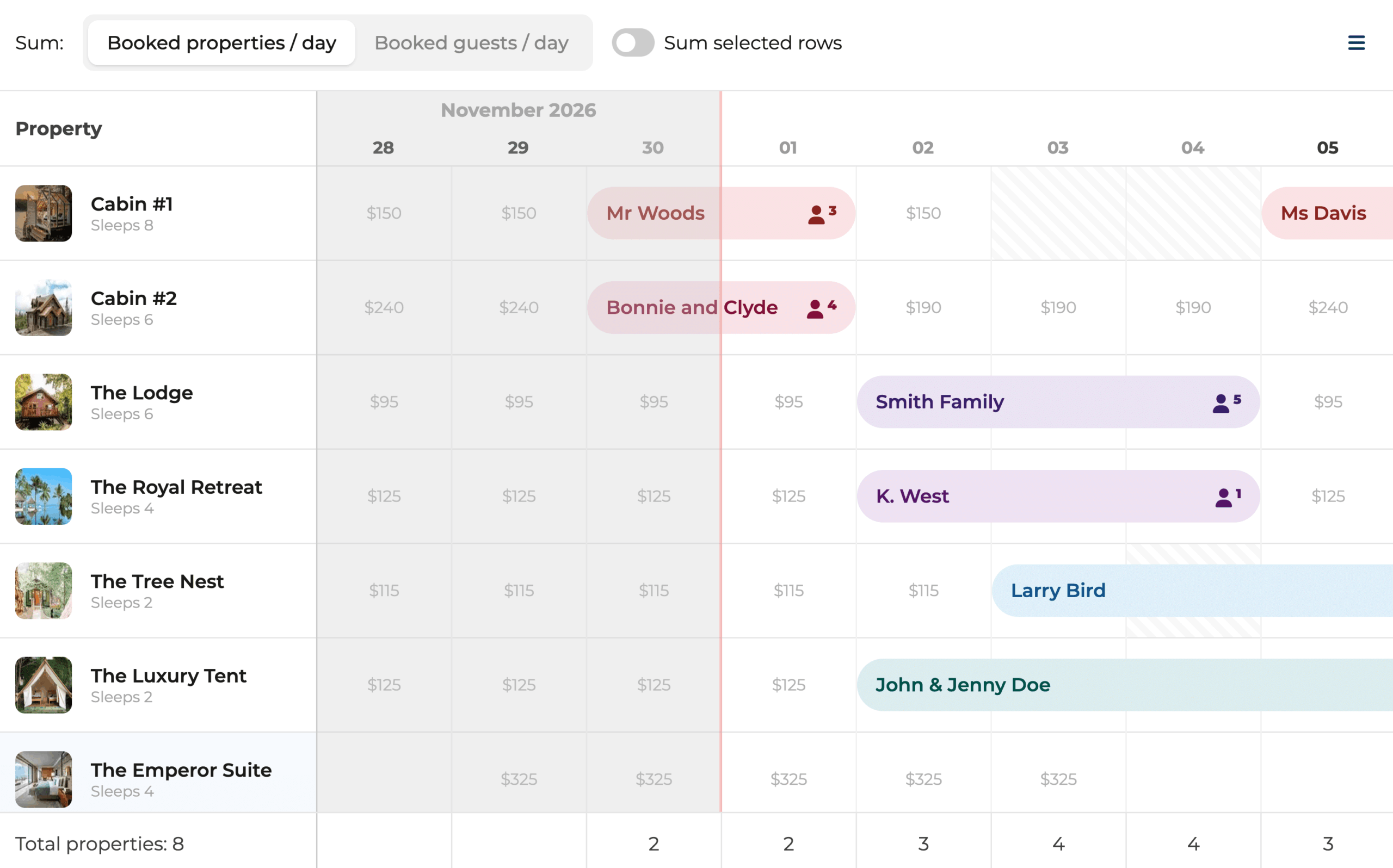
- Identify peak activity periods and overloaded categories using the heatmap.
- Use nested events to simplify handling related tasks.
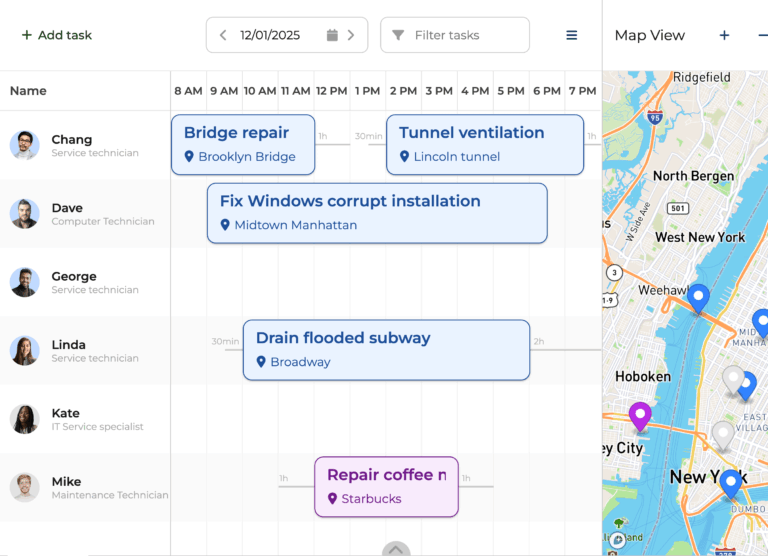
- Account for travel time to plan callouts and field routing more efficiently.
- Resolve scheduling conflicts and maintain the integrity of the schedule.
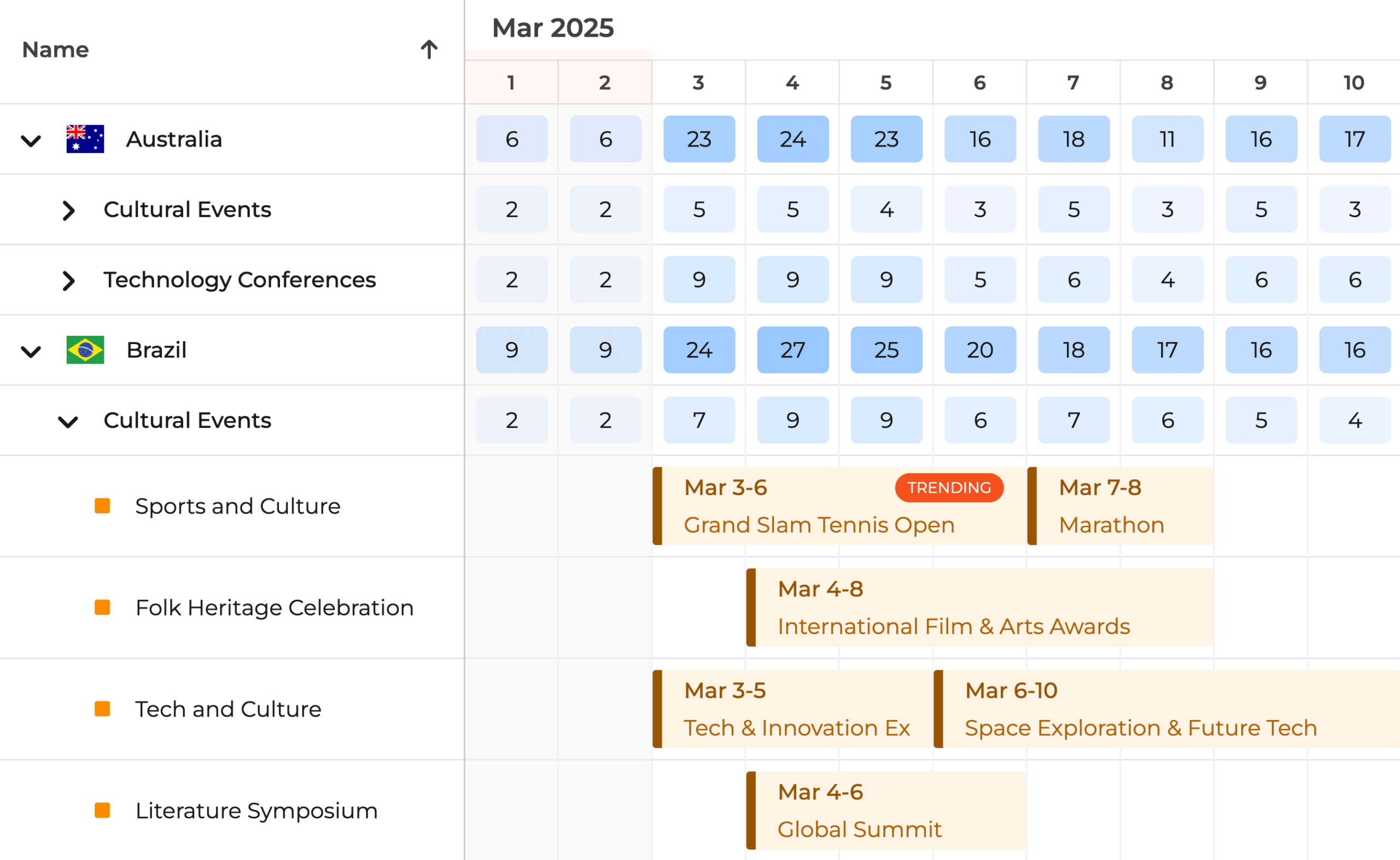
Define Resource Shifts
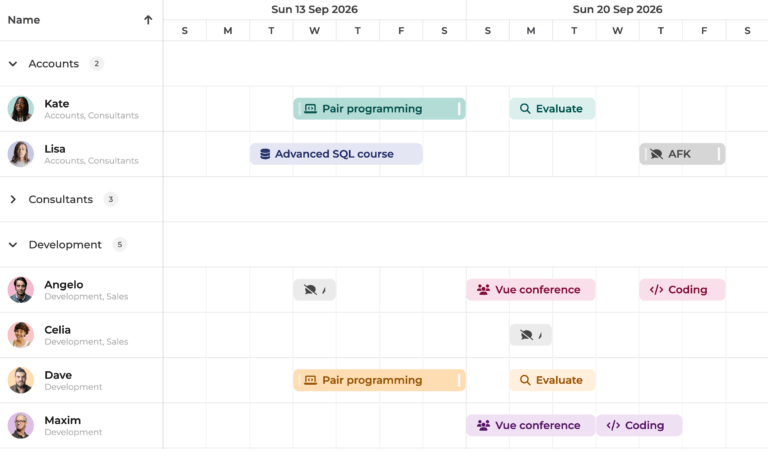
With the Scheduler, you control all the variables that affect the timing in your schedule. Define your resource availability in a hierarchical calendar structure and the shifts will be visualised.
Optimized for Performance
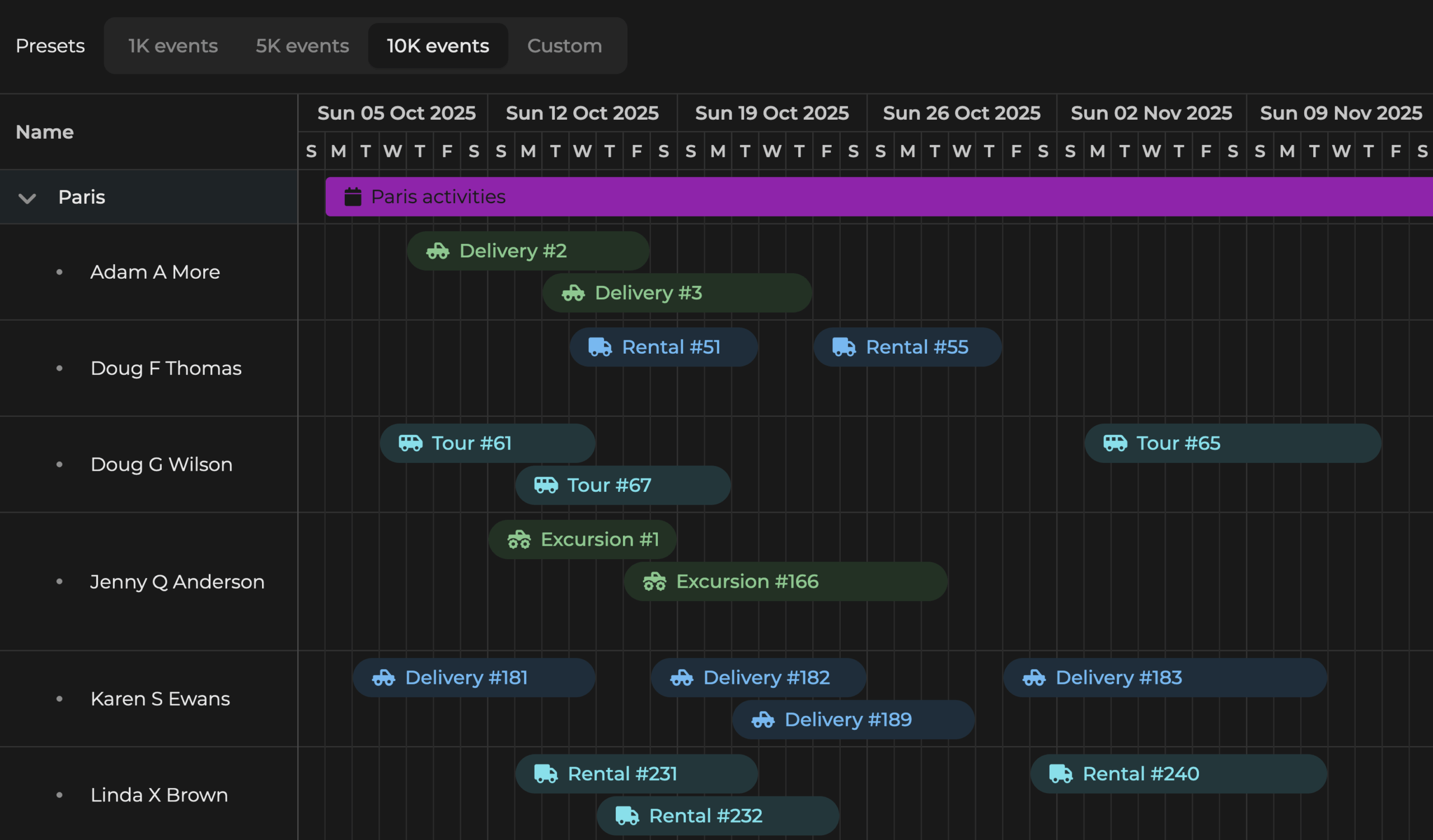
The Scheduler combines the following techniques to achieve quick loading times and deliver a smooth scrolling performance:
- Virtual rendering
- Minimal DOM footprint
- Extensive element reuse
Bryntum Scheduler maintains its excellent performance at scale and with additional features, like pagination.
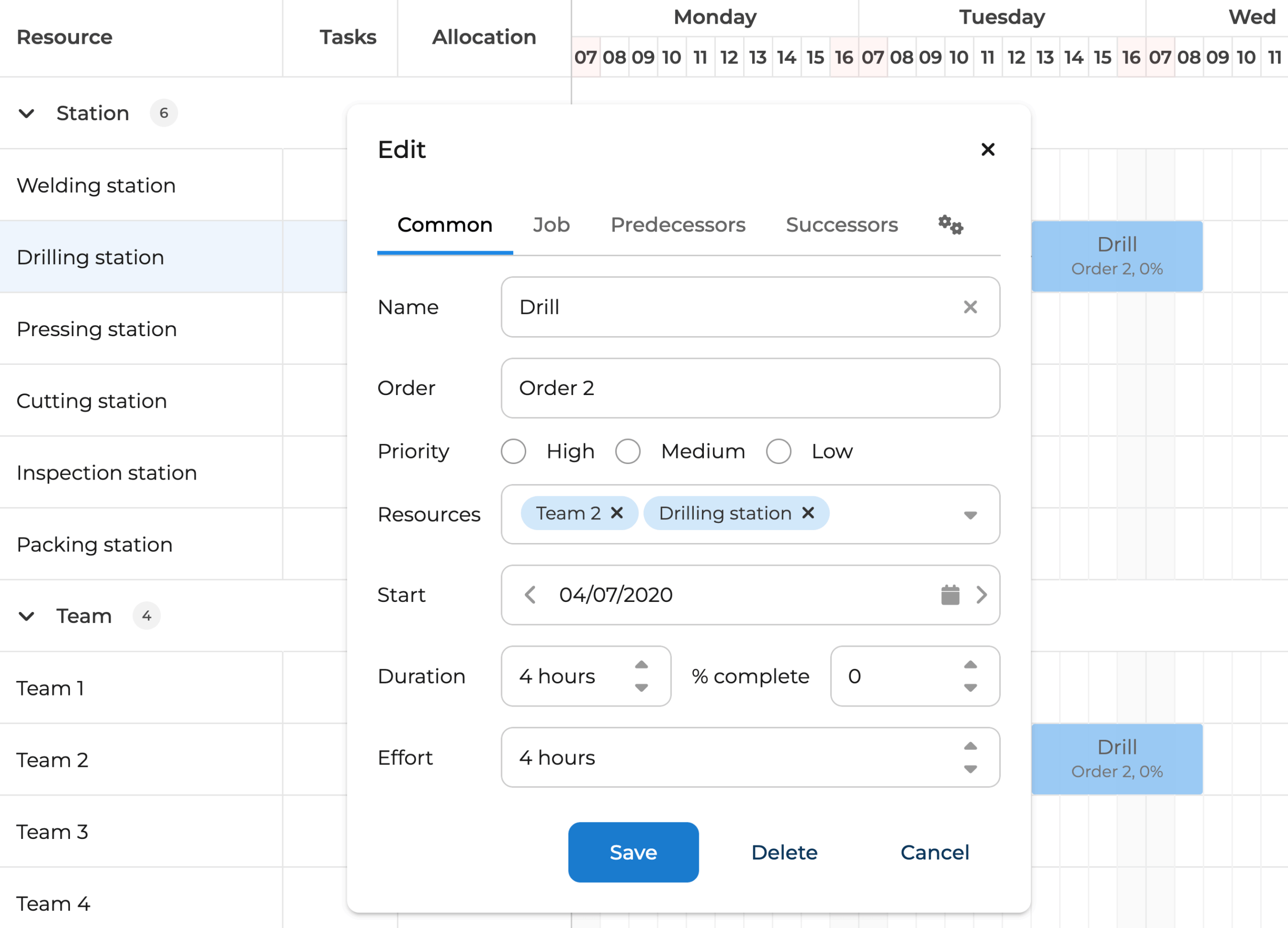
Customize Task Editing
Bryntum Scheduler also comes with a powerful, customizable task editor:
- Modify any base fields and add your own.
- Edit predecessors, successors, and constraints.
- Hide and show any preconfigured fields.
- Create and edit multiple calendars.
- Apply changes live, but roll them back if needed.
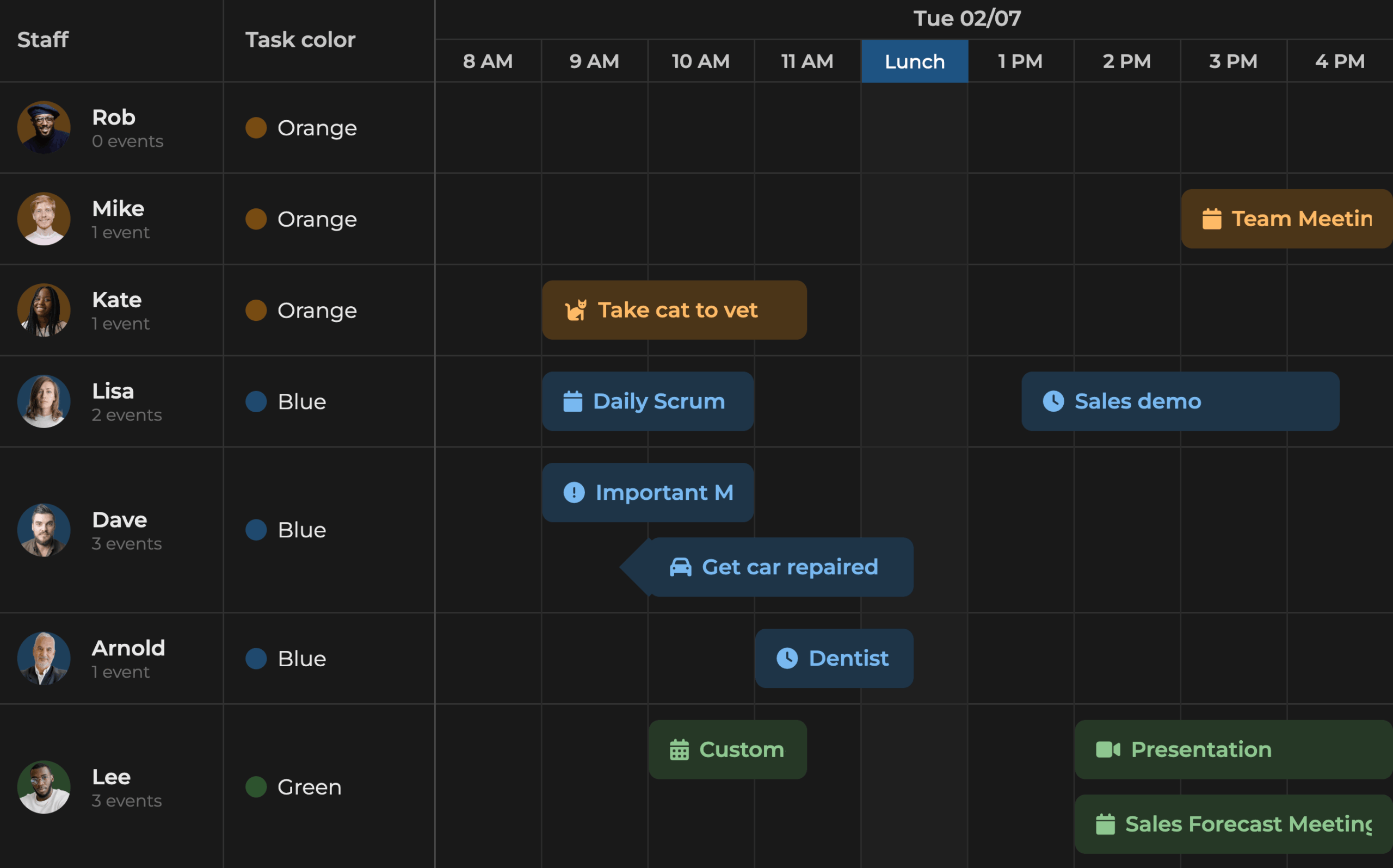
Style It Your Way
Make the scheduler match your brand with flexible styling options.
- Easily modify our built-in themes using CSS variables.
- Create your own custom theme.
- Choose from preconfigured taskbar styles and color sets.
50+ More Widgets
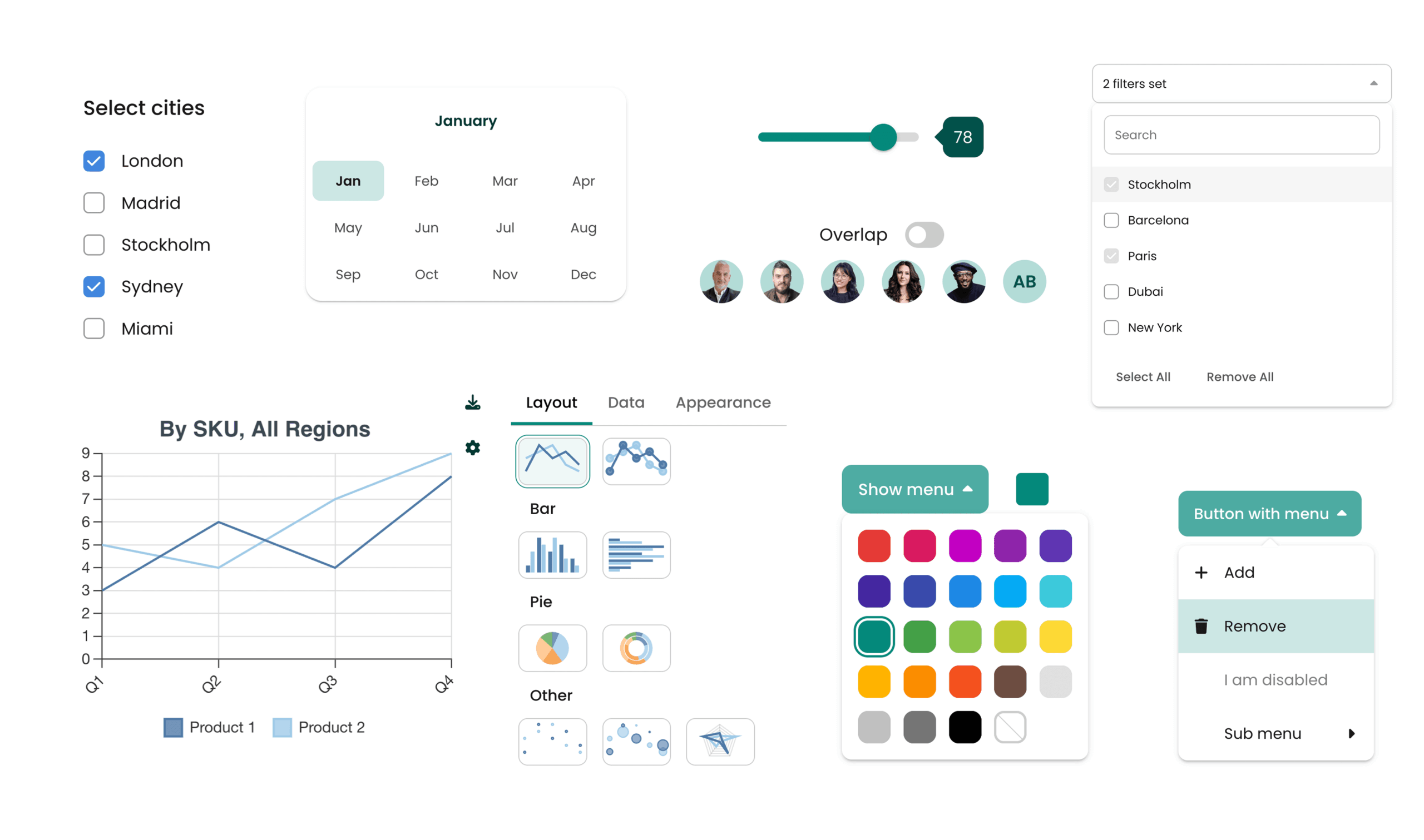
Choose from a wide range of UI elements that easily make your app polished and professional:
- Add buttons, menus, toggles, charts, and more to the Bryntum Scheduler.
- Meet user needs with fewer clicks and less searching.
- Implement widgets easily with our clear documentation.


Latest Releases
Documentation Browser