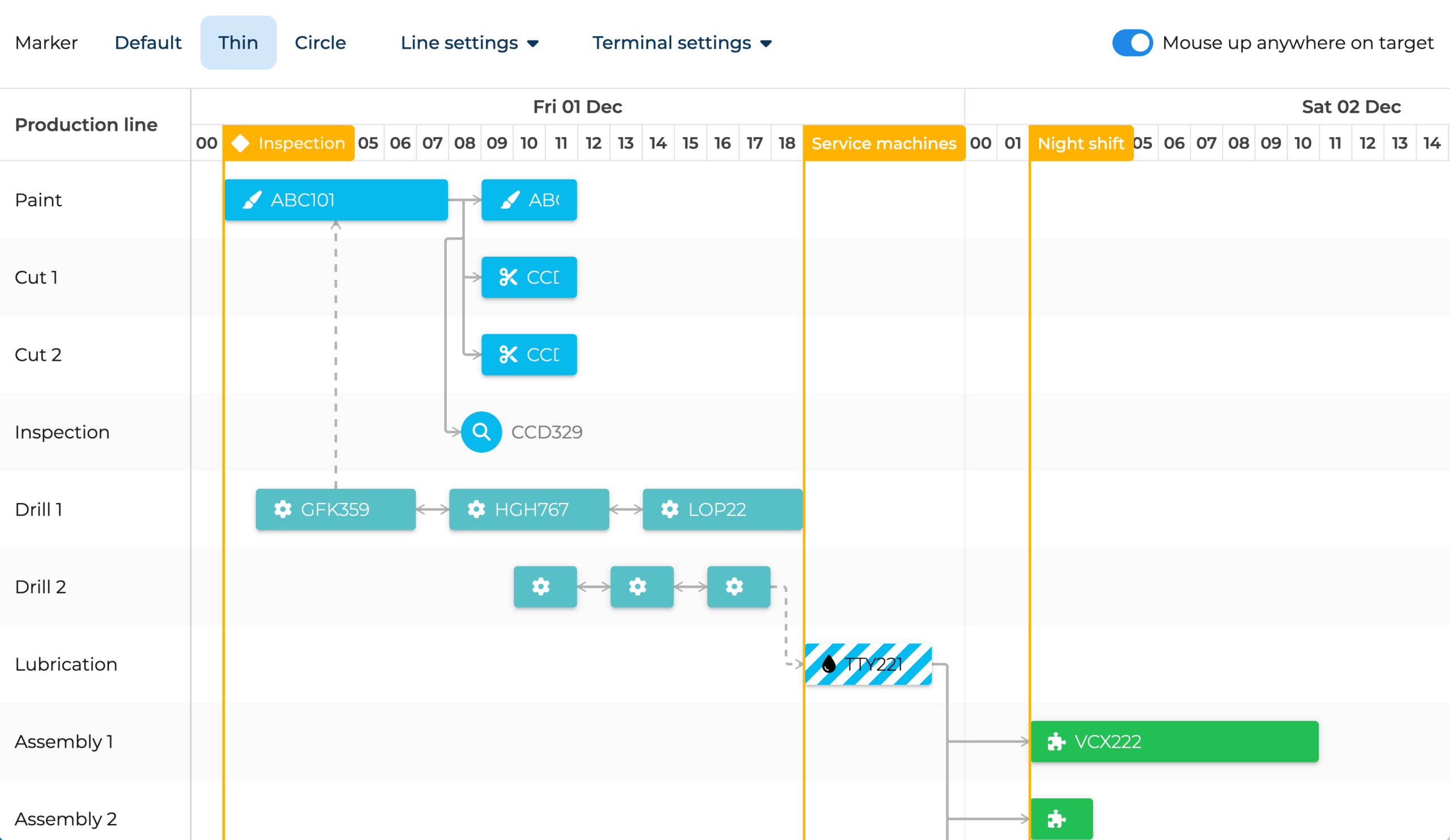
Scheduler
You decide the schedule, we make it look great.
Scheduler shows the schedule. Scheduler Pro can recalculate it from rules like dependencies, calendars, constraints, and assignments.
Bryntum Scheduler is a fast, interactive timeline. You can drag, resize, filter, group, edit, and export events, and your users decide where everything goes.
Scheduler Pro does that too, but includes a scheduling engine. Instead of just showing events, it can recalculate event dates from rules like dependencies, constraints, working calendars, and resource assignments.
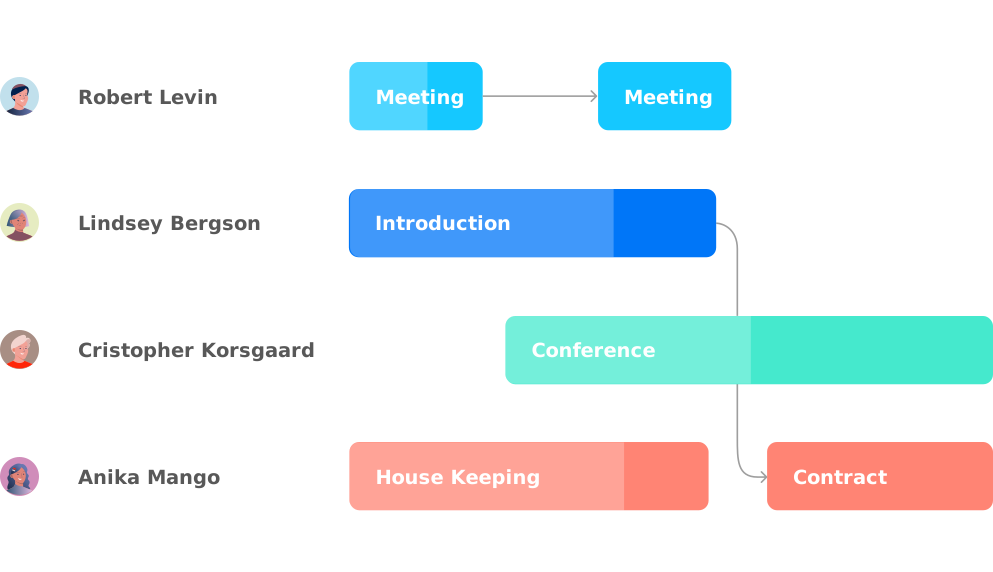
It comes down to how much scheduling logic you want the component to handle. Try moving the first event in both demos. In Scheduler, the dependency is visual; in Scheduler Pro, dependent events can move too because the scheduling engine recalculates the plan.
You decide the schedule, we make it look great.
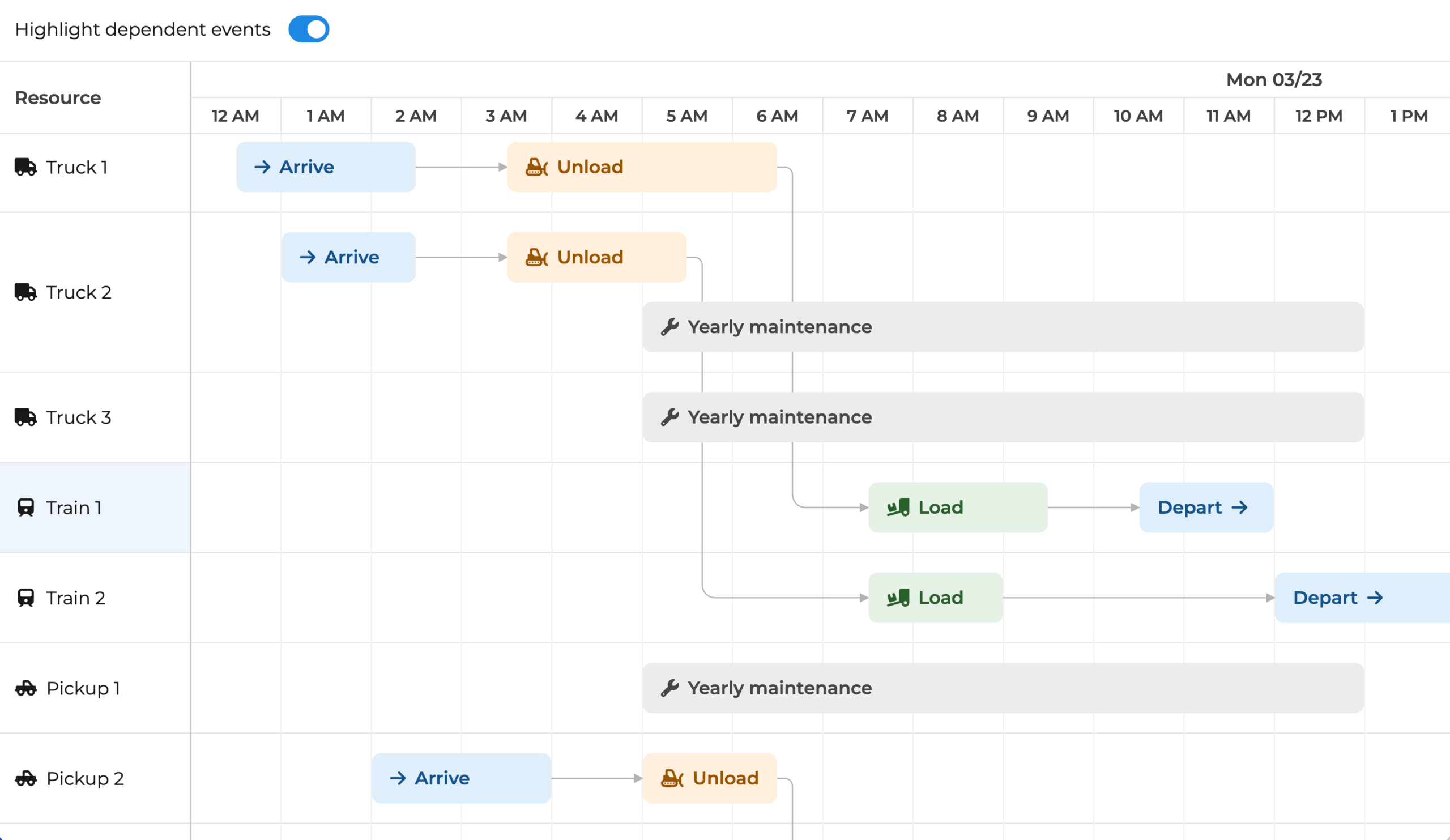
Give Pro the rules, and it can recalculate the schedule.
Moving dependent events is only one part of Scheduler Pro.
The table below shows where Scheduler focuses on timeline editing and visualization, and where Scheduler Pro adds scheduling logic such as calendars, constraints, utilization views, travel time, split events, and nested events.
Scheduler Pro has a powerful built-in scheduling engine. It is the brain keeping your tasks scheduled based on:
Define working and non-working time for the project, resources, or events. Intervals can repeat. See the Event non-working time demo.
Link events so a successor can react when its predecessor event changes. See the Dependencies demo
Set rules such as Must start on or Must finish on and the engine respects them during scheduling. See the Constraints demo
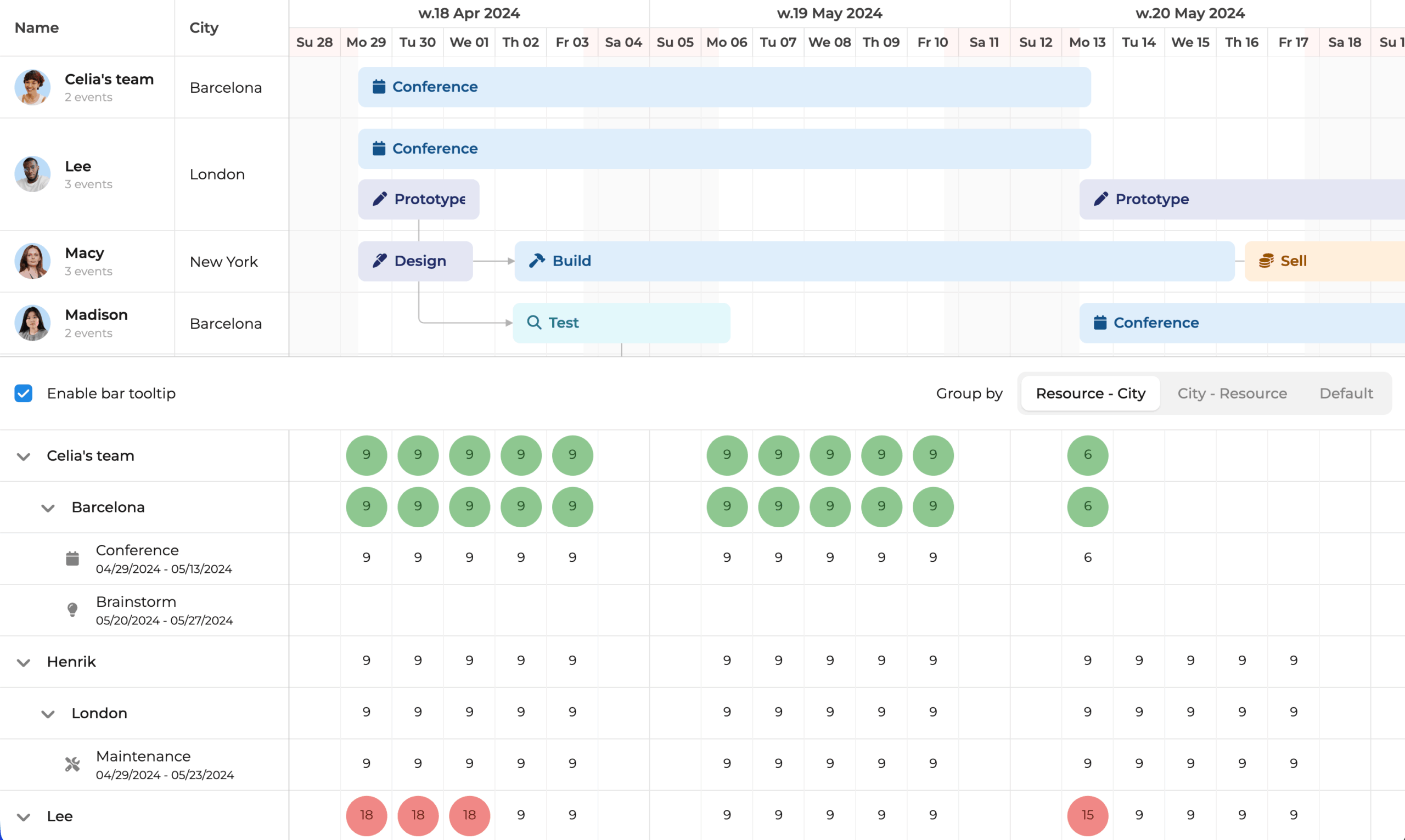
Shows allocation by resource and event, so overbooked resources are easier to spot.
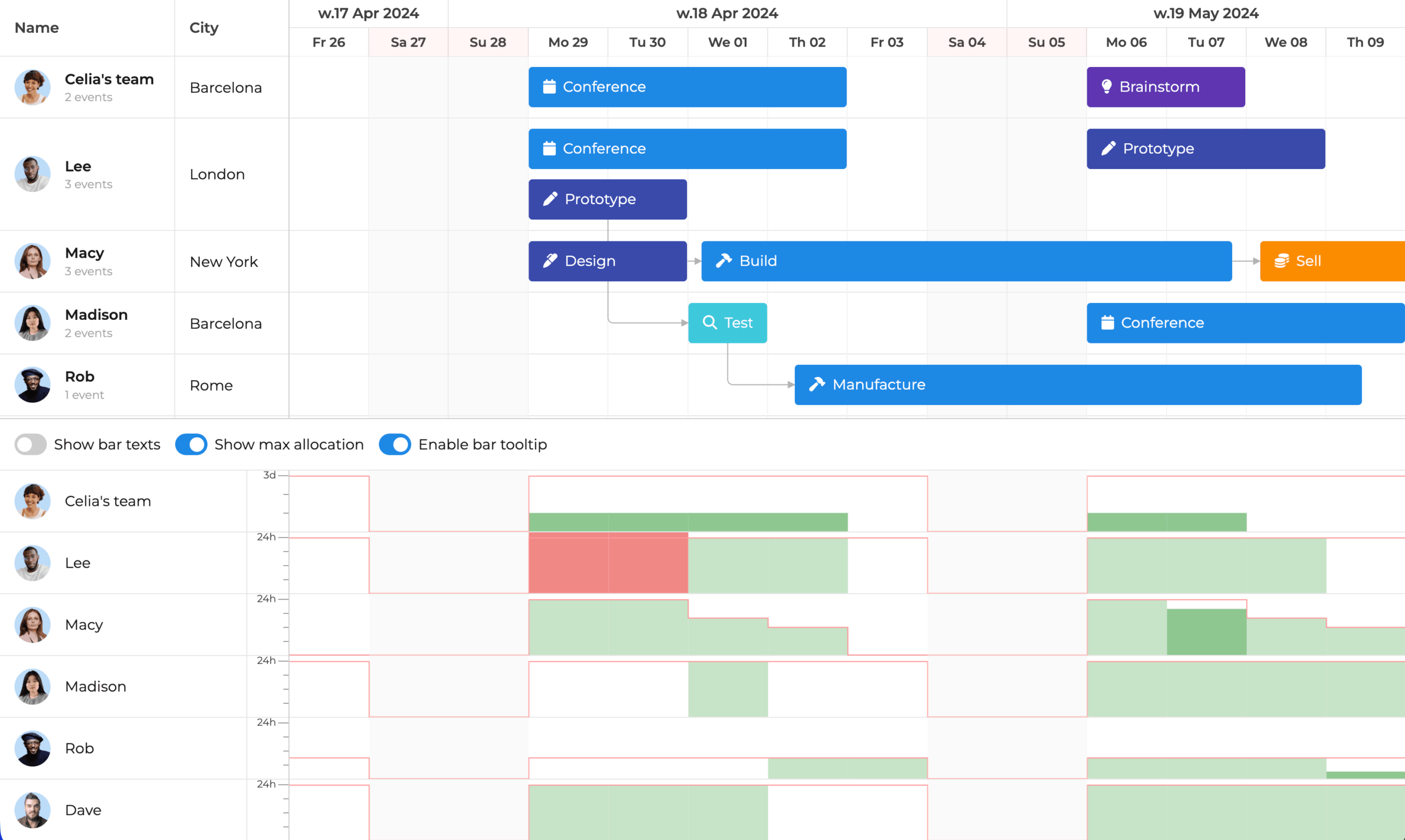
Visualizes resource allocation over time, with capacity and availability shown alongside the schedule.
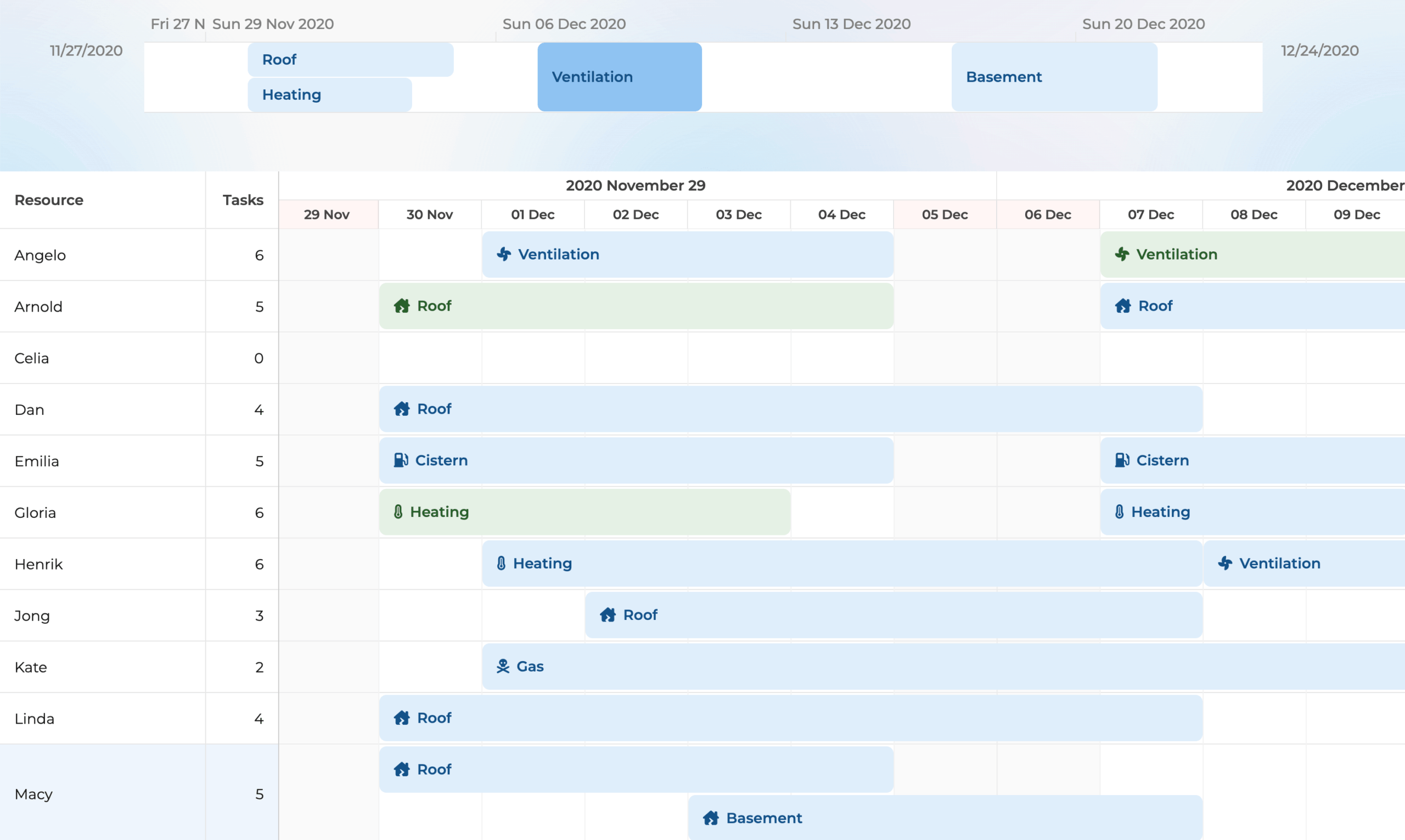
A read-only view that shows events independently of the resources they are assigned to.
Scheduler Pro can consume Gantt projects and be used to visualize Gantt tasks: Gantt + Scheduler Pro demo
Integrate Scheduler Pro with Mapbox (third-party map library) to visualize events on a map: Maps demo
Add a chart to the schedule using Chart.js (third-party chart library) to visualize data: Embedded Chart demo