• Products
    • UI components
      • Bryntum Complete

        All Bryntum components in one bundle

      • Gantt

        Advanced project planning for real-world timelines

      • Scheduler

        Drag-and-drop event scheduling for resources

      • Calendar

        Feature-rich calendar with 10+ views

      • Scheduler Pro

        Powerful extension of Scheduler's engine & features

      • Task Board

        Flexible Kanban board for any workflow

      • Which Scheduler do I need?

        Scheduler vs Scheduler Pro

      • Grid

        Intuitive data table built for speed & flexibility

  • Pricing
  • Developers
    • Learn & connect
      • Documentation

        Learn more from guides & API docs

      • Blog

        Catch up with the latest on the blog

      • Examples

        Try our many live demos

      • Webinars

        View webinars

      • Integrations

        Use Bryntum with existing tools

      • Support forum

        Find answers or ask questions

    • Getting started
      • Angular

        Docs & demos for Angular

      • React

        Docs & demos for React

      • Vue

        Docs & demos for Vue

  • Resources
    • Additional Resources
      • Blog
      • Professional Services
      • Customer Zone
      • Figma Design System
      • Licensing
      • Training
      • Press Kit
      Bryntum
      • About us
      • Customer List
      • Careers
  • Contact
  • Free Trial
  1. Home
  2. Blog
  3. Design

Design

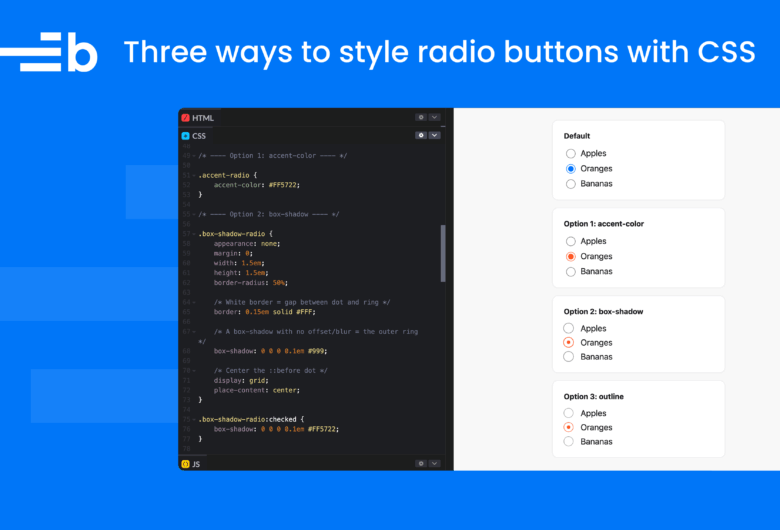
CodePen editor showing CSS for styling radio buttons beside examples of default and custom radio button styles

Three ways to style radio buttons with CSS in 2026

Mats Bryntse Mats Bryntse
11 April 2026
Design Tips 'n tricks
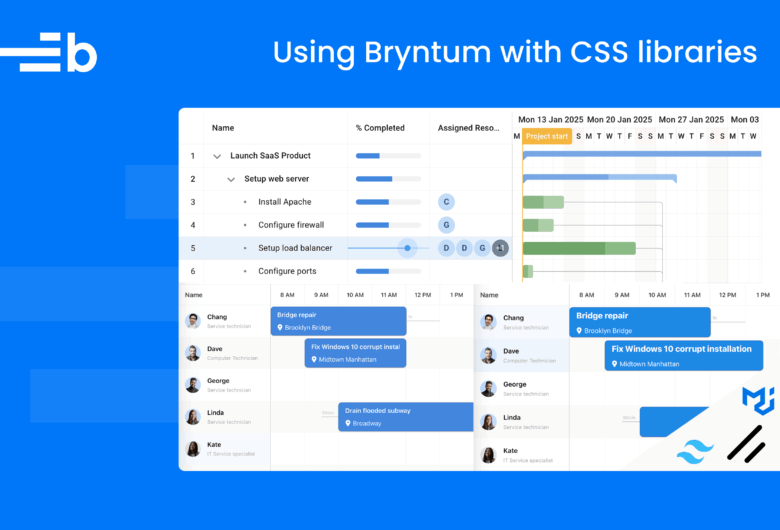
Collage of Bryntum components styled using Tailwind CSS, Shadcn UI, and Material UI.

Using Bryntum with Tailwind CSS, Shadcn UI, and Material UI

Arsalan Khattak Arsalan Khattak
8 April 2026
Design
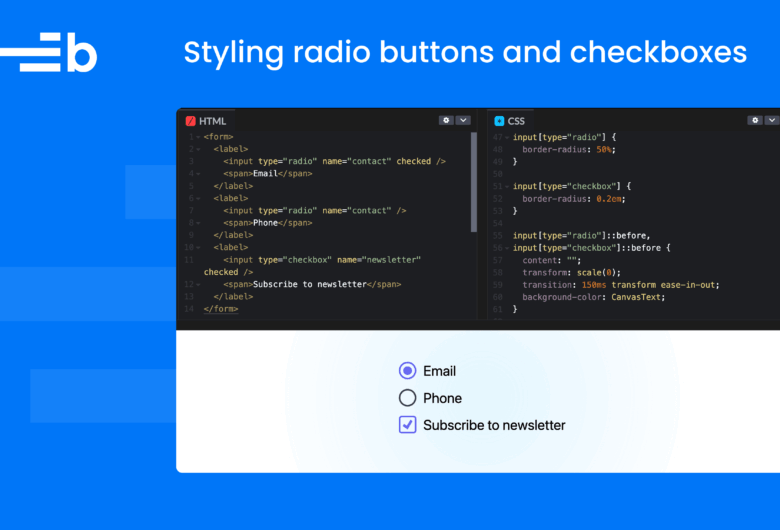
Cover image of code editor and form controls showing radio button and checkbox styling with vanilla CSS and Tailwind.

Radio button and checkbox styling: Vanilla CSS vs Tailwind in 2026

Arsalan Khattak Arsalan Khattak
28 January 2026
Design
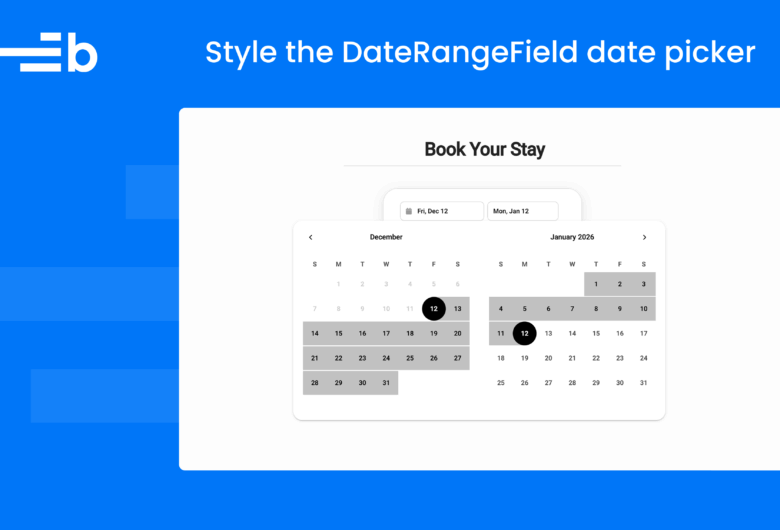
Cover image of the Bryntum DateRangeField date picker styled with custom calendar range colors.

Create an Airbnb-like date selector using the Bryntum DateRangeField

Arsalan Khattak Arsalan Khattak
14 January 2026
Bryntum Grid Design
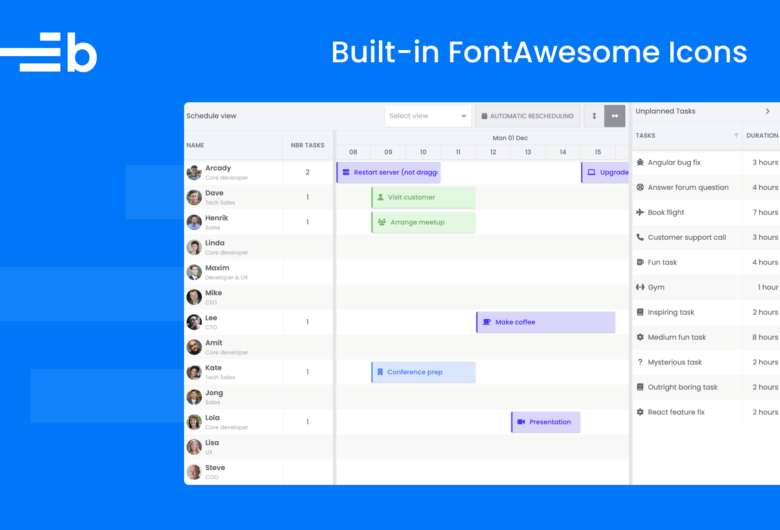
FontAwesome support

Built-in Font Awesome Support in Bryntum Components

Arsalan Khattak Arsalan Khattak
13 June 2025
Design Tips 'n tricks
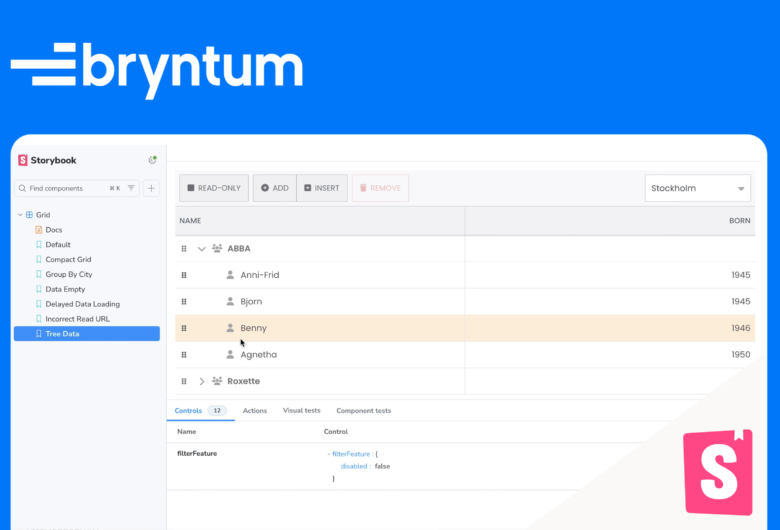
Creating a Bryntum Grid React component and integrating it with Storybook cover graphic

Creating a Bryntum Grid React component and integrating it with Storybook

Arsalan Khattak Arsalan Khattak
21 March 2025
Bryntum Grid Design
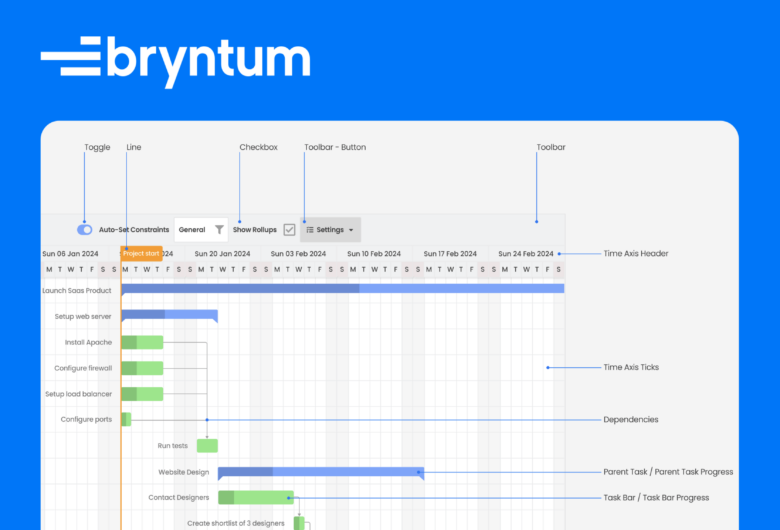
Bryntum figma blog

Announcing the Figma Design System for Bryntum Gantt

Arsalan Khattak Arsalan Khattak
24 October 2024
Bryntum Gantt Design
Alternative To

Syncfusion

DHTMLX Grid

DHTMLX Gantt

Products
  • Gantt
  • Scheduler
  • Scheduler Pro
  • Grid
  • Calendar
  • TaskBoard
  • Siesta
  • RootCause
Resources
  • API Docs
  • Customer Zone
  • Press Kit
  • Licensing
  • Blog
  • Examples
  • Webinars
  • Professional Services
  • Support
  • Training
  • Our Privacy Policy
Company
  • About us
  • Careers
  • Events
  • Our Customers
  • Customer Testimonials
  • Capterra Reviews
  • Software Advice Reviews
  • GetApp Reviews
Bryntum AB
VAT no.
SE556848115301
Company reg. no.
556848-1153
Visiting Address:
Malmskillnadsgatan 44a
111 57 Stockholm
Sweden
Registered Office:
Vikingagatan 18
113 42 Stockholm
Sweden
+46 736 606088 sales@bryntum.com
Rated 4.8 out of 5 on Capterra - read the reviews

© 2009–2026 Bryntum AB. All rights reserved.