Announcing Ext Scheduler & Ext Gantt 6.0
We strive to keep posts updated, but code samples may sometimes be outdated. Humans, see the Bryntum documentation; agents, https://mcp.bryntum.com for the latest info.
We are very happy to announce the Ext Scheduler & Ext Gantt 6.0 release. With this release we have dropped support for IE8, IE9 and IE10 and we have added support for Ext JS version 6.6. If you missed our previous roadmap update, here’s a list of what you can find in the new version.
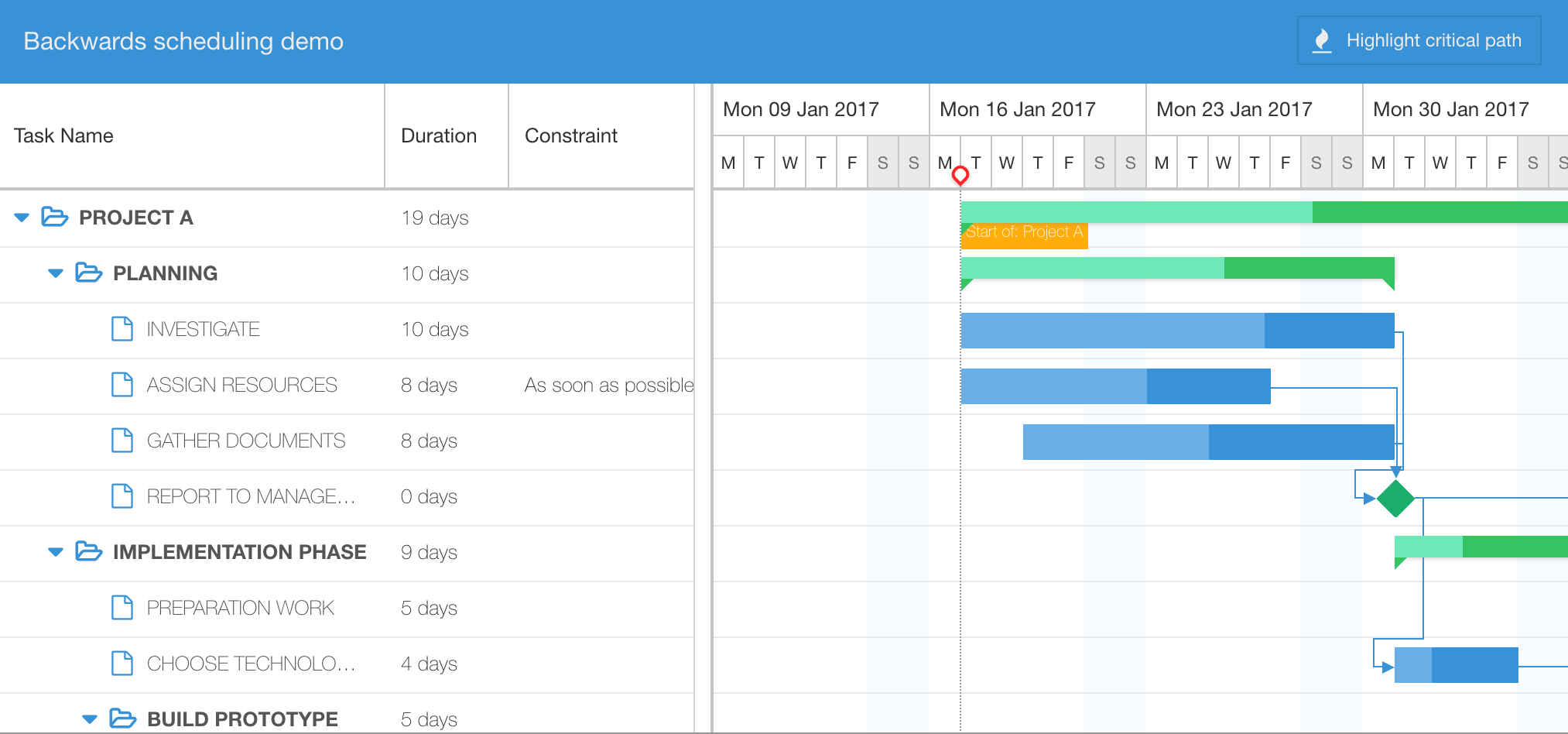
Gantt: Backwards scheduling
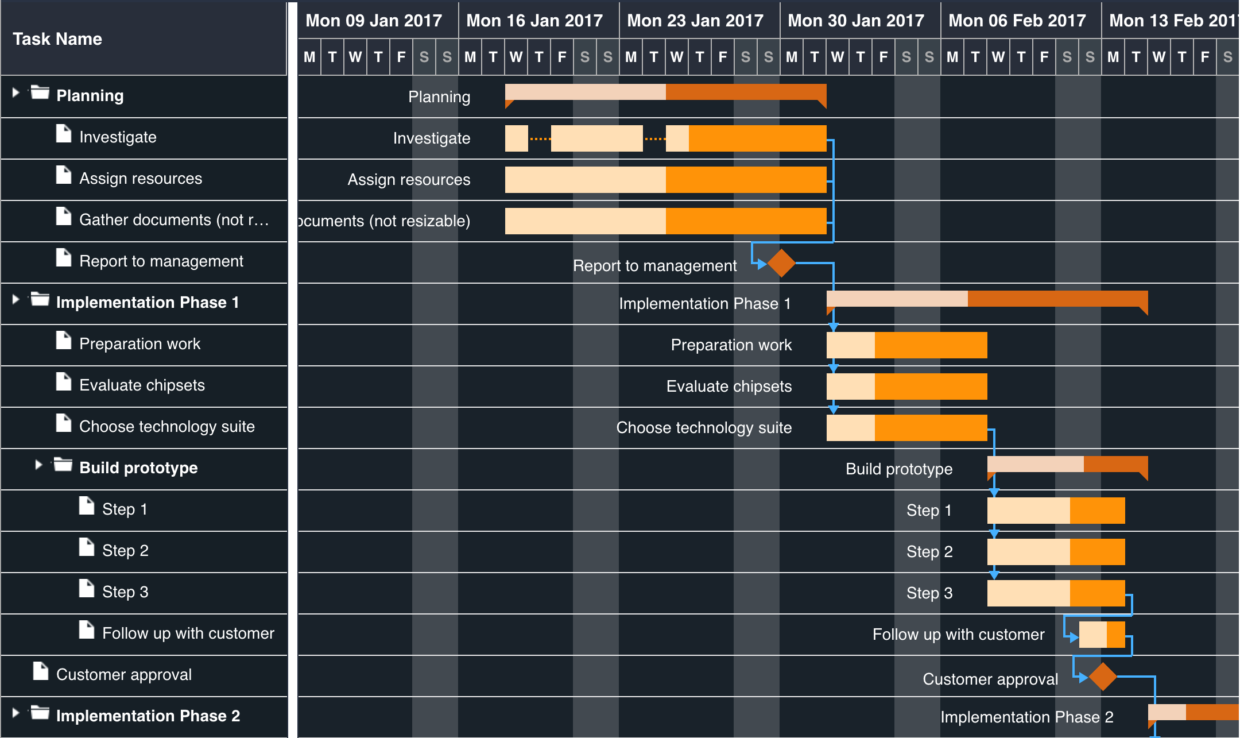
By default tasks are scheduled as early as possible but as of v6.0, you can also schedule projects backwards. In this mode, tasks are scheduled from the project end date and they begin as late as possible. Enable this mode by setting the scheduleBackwards boolean to true.
Gantt: Ext JS high contrast theme support
We now support the Ext JS Aria theme, which you can try out here:

Gantt: Dependency hover tooltip
By default, the Gantt chart now shows a tooltip when hovering a dependency line. The contents of the tooltip can of course be customized fully.

Gantt: New Angular demo
Angular is a very popular JavaScript application framework these days, so we decided to make an integration demo with Angular 5. Try it out by clicking the image below.

Scheduler: All day event header bar
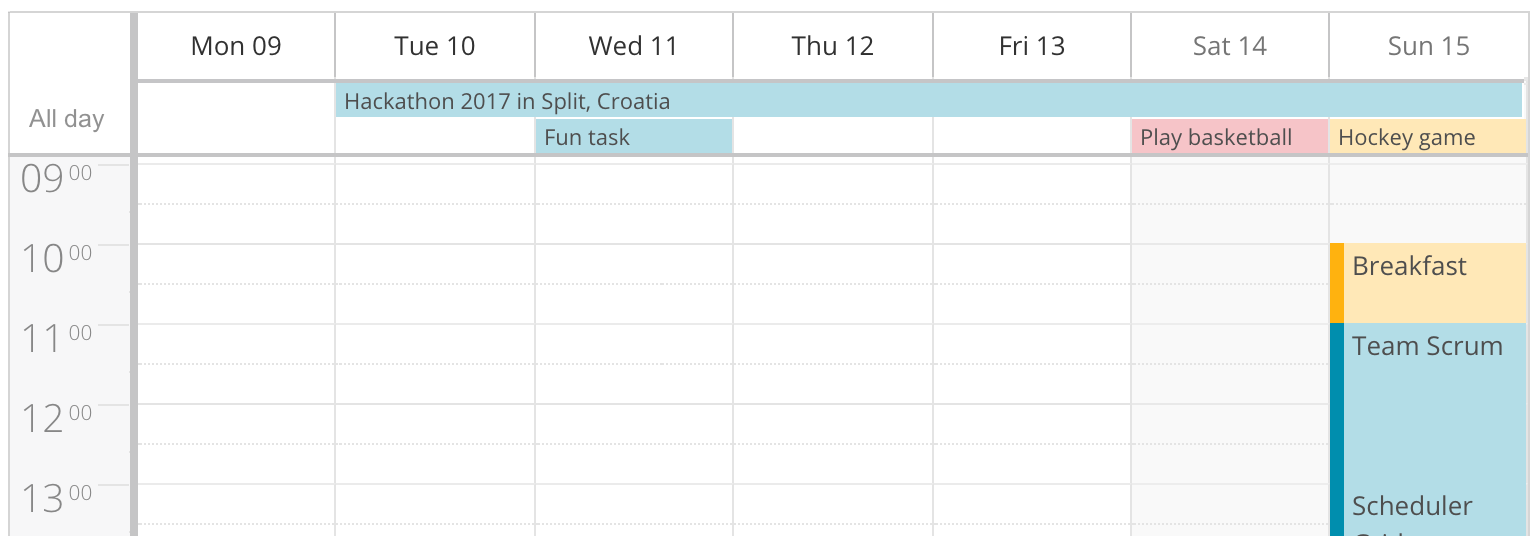
With the new all-day event header bar, you can now keep the main schedule area clean and not have multi-day events occupy all the space. This feature is now enabled by default in week view and day view modes.
Scheduler: Recurring Tasks
You have most likely used this feature already in other calendar software already, such as Google Calendar or Outlook. We are happy to announce that you can now schedule your tasks on a repeating basis in Ext Scheduler and use any type of recurrence pattern, demonstrated in this demo:

Scheduler: New demo with collapsible resource rows
This demo was the result of recent consulting work for one of our clients. And we liked the result so much we decided to make a demo out of it. The option of having rows being collapsible makes it easy to get a quick overview and when you need to see the exact layout you just expand the row:

Scheduler: New undo & redo demo
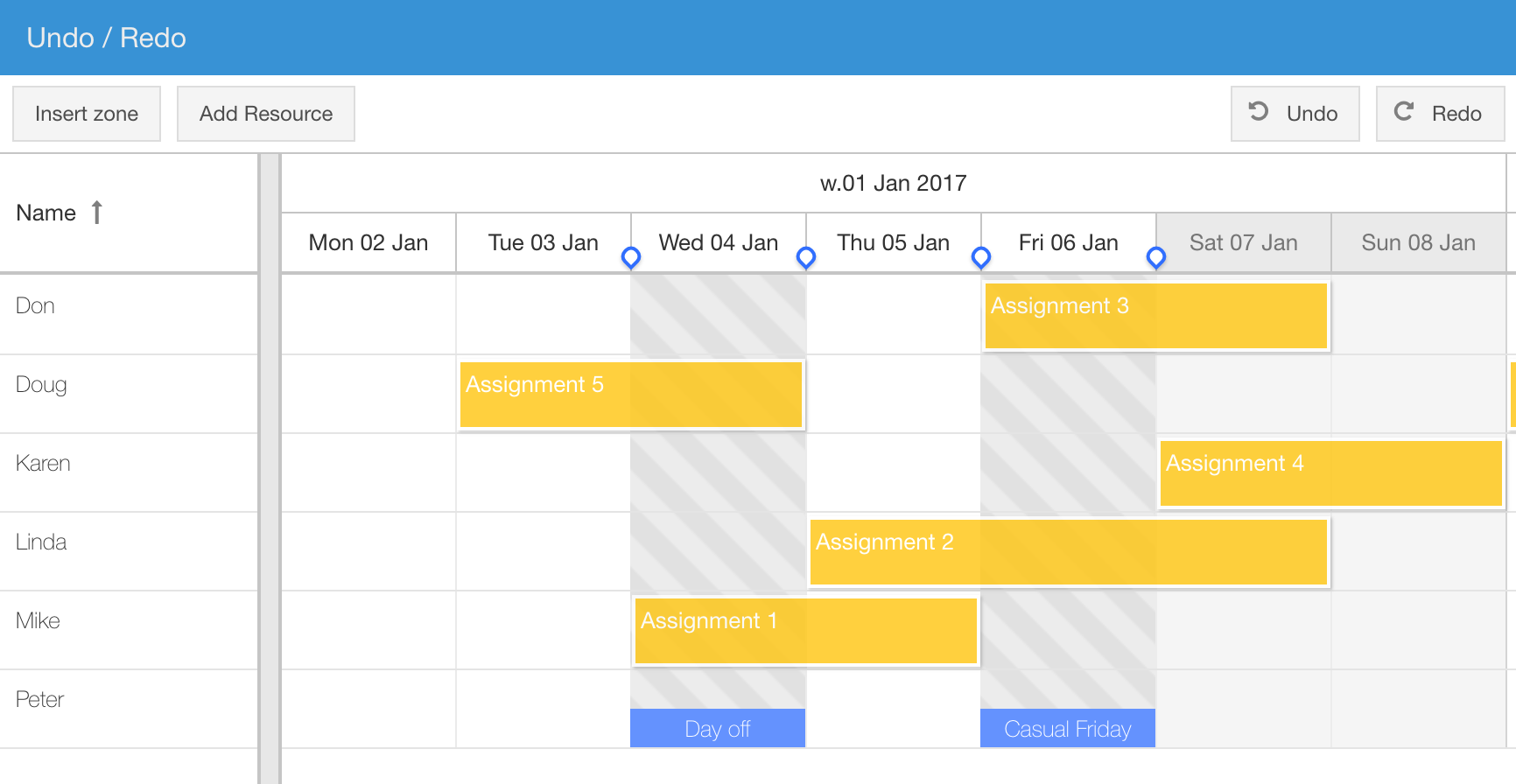
Undo and redo is such a popular feature that we decided it should have its own demo:
Scheduler: Summary row plugin
This feature was previously just demonstrated in our column summary demo but this has now been promoted to a fully supported feature. Demo below:

There is also a more visual version of this demo, showing a histogram type view:

Scheduler: Split view plugin
The ability to split a scheduler into two separate scroll synced views was previously shown in a demo but has now been promoted to a fully supported Sch.plugin.Split plugin. Demo below:

Summing up
The 6.0 release contains lots of new features and demos and we really hope you will find the new additions useful. If you have any feedback for us, please write a comment or post in our forums. Full change logs can be found here:
Happy coding! 🙂
Try Bryntum components
Fast, framework-agnostic UI components for scheduling and project management.