• Products
    • UI components
      • Bryntum Complete

        All Bryntum components in one bundle

      • Gantt

        Advanced project planning for real-world timelines

      • Scheduler

        Drag-and-drop event scheduling for resources

      • Calendar

        Feature-rich calendar with 10+ views

      • Scheduler Pro

        Powerful extension of Scheduler's engine & features

      • Task Board

        Flexible Kanban board for any workflow

      • Which Scheduler do I need?

        Scheduler vs Scheduler Pro

      • Grid

        Intuitive data table built for speed & flexibility

  • Pricing
  • Developers
    • Learn & connect
      • Documentation

        Learn more from guides & API docs

      • Blog

        Catch up with the latest on the blog

      • Examples

        Try our many live demos

      • Webinars

        View webinars

      • Integrations

        Use Bryntum with existing tools

      • Support forum

        Find answers or ask questions

    • Getting started
      • Angular

        Docs & demos for Angular

      • React

        Docs & demos for React

      • Vue

        Docs & demos for Vue

  • Resources
    • Additional Resources
      • Blog
      • Professional Services
      • Customer Zone
      • Figma Design System
      • Licensing
      • Training
      • Press Kit
      Bryntum
      • About us
      • Customer List
      • Careers
  • Contact
  • Free Trial
  1. Home
  2. Blog
  3. Ext Gantt

Ext Gantt

  • All posts
  • Bryntum Gantt
  • Bryntum Scheduler
  • Bryntum Scheduler Pro
  • Bryntum Grid
  • Bryntum Calendar
  • Bryntum Taskboard
  • Product updates
  • Development
  • Tips 'n tricks
  • Customer Spotlight
  • Company updates
  • Microsoft
  • AI
  • Design
Ext Gantt task editor on the General tab, with a custom field added below the name, duration and date fields

Customizing The TaskEditor in Ext Gantt

Mats Bryntse Mats Bryntse
13 December 2018
Ext Gantt Tips 'n tricks
Ext Scheduler calendar with all-day events and timed schedule entries

Roadmap for Ext Gantt/Scheduler 6.0

Arcady Zherdev Arcady Zherdev
14 March 2018
Ext Gantt Ext Scheduler Product updates
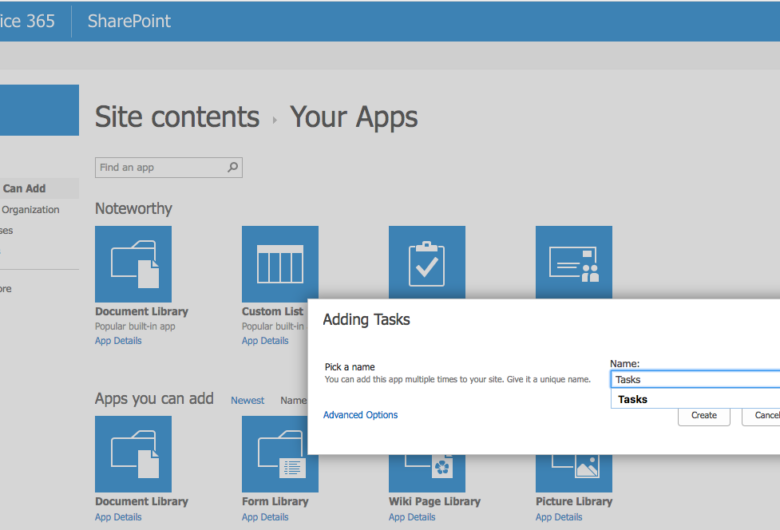
SharePoint task list

Adding A Powerful Gantt Chart To A SharePoint Site

Terence van Zoelen Terence van Zoelen
30 November 2017
Ext Gantt Tips 'n tricks
Gantt + Scheduler 5.1.5 released screenshot

Gantt + Scheduler 5.1.5 released

Mats Bryntse Mats Bryntse
11 October 2017
Ext Gantt Ext Scheduler Product updates

Gantt 5.0 + Scheduler 5.0 + Calendar 0.9.0 Released

Mats Bryntse Mats Bryntse
6 November 2016
Ext Gantt Ext Scheduler

Using Ext Gantt with React

Johan Isaksson Johan Isaksson
15 September 2016
Ext Gantt

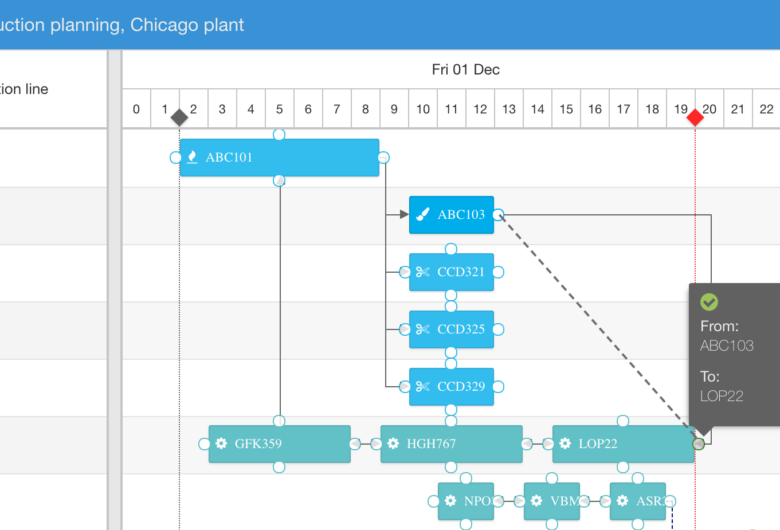
Gantt Chart and Kanban Task Board Integration

Johan Isaksson Johan Isaksson
19 July 2016
Ext Gantt Kanban Task Board

Using Ext Gantt with Ruby on Rails

Johan Isaksson Johan Isaksson
20 June 2016
Ext Gantt
Product1

Using Ext Gantt & Scheduler 4.x with Sencha Cmd

Mats Bryntse Mats Bryntse
19 April 2016
Ext Gantt Ext JS Ext Scheduler

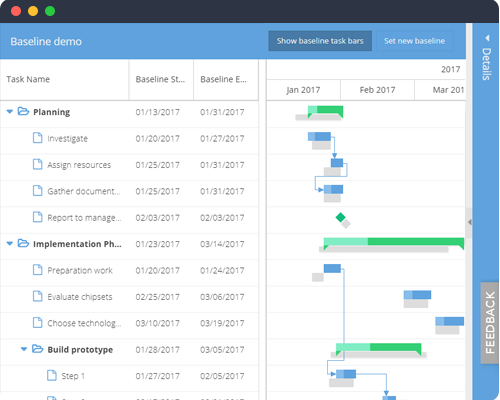
New Ext Gantt Features: Spreadsheet, Replicator And Copy/Paste

Mats Bryntse Mats Bryntse
12 January 2016
Ext Gantt Product updates

Announcing Ext Gantt And Ext Scheduler 4.0

Mats Bryntse Mats Bryntse
2 October 2015
Ext Gantt Ext Scheduler

Ext Gantt & Ext Scheduler 3.0 GA Available

Mats Bryntse Mats Bryntse
7 January 2015
Ext Gantt Ext Scheduler Product updates
1 2
Alternative To

Syncfusion

DHTMLX Grid

DHTMLX Gantt

Products
  • Gantt
  • Scheduler
  • Scheduler Pro
  • Grid
  • Calendar
  • TaskBoard
  • Siesta
  • RootCause
Resources
  • API Docs
  • Customer Zone
  • Press Kit
  • Licensing
  • Blog
  • Examples
  • Webinars
  • Professional Services
  • Support
  • Training
  • Our Privacy Policy
Company
  • About us
  • Careers
  • Events
  • Our Customers
  • Customer Testimonials
  • Capterra Reviews
  • Software Advice Reviews
  • GetApp Reviews
Bryntum AB
VAT no.
SE556848115301
Company reg. no.
556848-1153
Visiting Address:
Malmskillnadsgatan 44a
111 57 Stockholm
Sweden
Registered Office:
Vikingagatan 18
113 42 Stockholm
Sweden
+46 736 606088 sales@bryntum.com
Rated 4.8 out of 5 on Capterra - read the reviews Rated 4.8 out of 5 on GetApp - read the reviews Rated 4.8 out of 5 on Software Advice - read the reviews

© 2009–2026 Bryntum AB. All rights reserved.